
Technical SEO
Technical SEO
Website migration without losing SEO: the complete technical guide
Yes, a website migration affects SEO: every change of domain, platform or URL structure forces Google to reprocess the site, and a few weeks of fluctuation is normal. Lasting losses almost always share one cause, poorly executed redirects. With every old URL pointing to its new equivalent through a 301, content preserved and Search Console monitored, organic traffic recovers.
Key takeaways
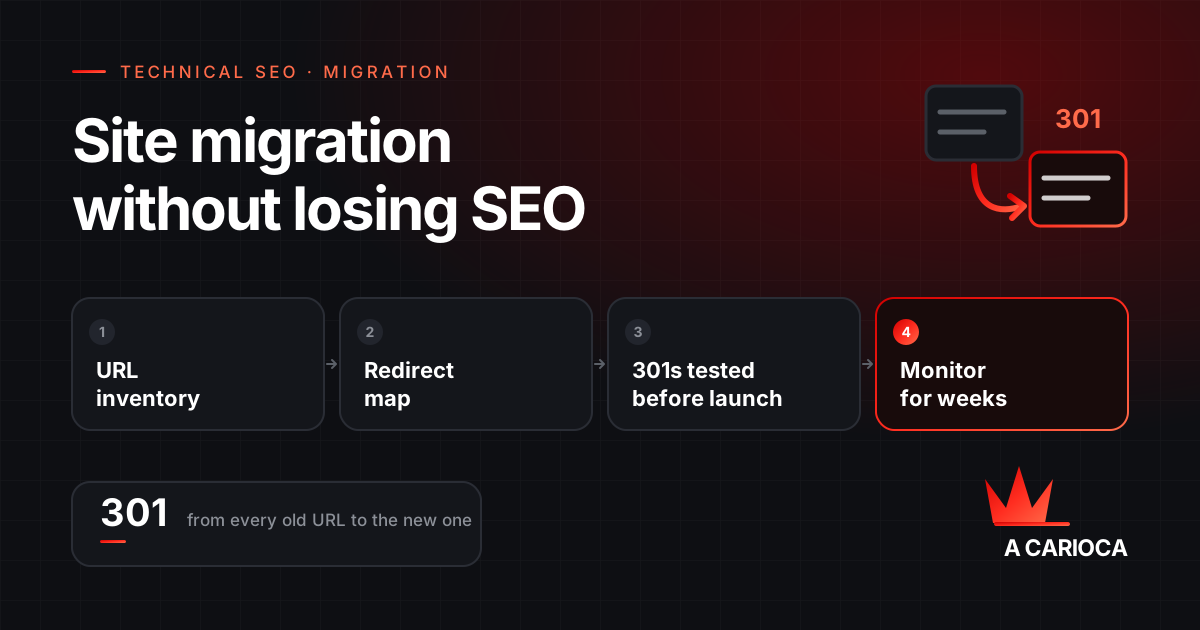
- Inventory every old URL before touching anything: crawl, Search Console, Analytics and backlinks.
- Redirect one to one with 301s, with no chains and no mass redirects to the homepage.
- Keep the titles, H1s, content and structured data of pages that already rank.
- Test redirects on staging and again on launch day.
- Keep redirects in place for at least a year, as Google itself recommends.
Migration types and the risk each one carries
Not every migration carries the same risk. What decides it is how many URLs change and how many signals Google has to transfer from one address to another.
| Type | What changes | Risk |
|---|---|---|
| Protocol change (HTTP to HTTPS) | Only the protocol; paths stay the same | Low, if redirects cover every variation |
| Redesign with the same URLs | Layout and code | Low to medium: depends on content and speed being preserved |
| Platform or CMS change | Technical structure and, almost always, URLs | Medium to high |
| New URL architecture | Paths and page hierarchy | High |
| Domain change | Every URL | High |
| Merging sites | Two sets of URLs become one | Highest: every page needs a deliberate destination |
Whenever possible, do not stack changes. Switching domain and platform on the same day means that if traffic drops, nobody can tell which change caused it.
Why migrations lose traffic
When a migration loses traffic for good, the cause is almost always one of these five failures:
- Mass redirects to the homepage. Google treats a redirect to an unrelated page as a soft 404, as if the page had been removed. The authority it earned is lost.
- Redirect chains. The old URL points to an intermediate URL, which points to the final one. Googlebot follows at most 10 hops, and every hop slows crawling down.
- Content that disappears. The new version has thinner copy, generic titles, or lost the section that answered the query. Google re-evaluates the page and it drops, even with a correct redirect.
- Staging settings leaking into production. A
noindextag or aDisallow: /in robots.txt, used on the test environment, goes live with the new site. - Internal links still pointing to old URLs. The new site ends up relying on its own redirects to navigate, which wastes crawl budget and dilutes signals.
Step 1: a complete inventory of old URLs
The inventory is the foundation of everything else. A URL missing from the list gets no redirect and becomes a 404 on launch day. Combine four sources, because each one sees a different slice of the site:
- A full crawl of the current site with a tool such as Screaming Frog or Sitebulb, including PDFs and relevant images.
- Google Search Console Performance and Pages reports, which surface URLs with impressions that a crawler may never reach.
- Google Analytics landing pages for the last 12 months, which reveal old campaigns and orphan pages that still get visits.
- Your backlink profile, from the Search Console Links report or tools like Ahrefs and Semrush. Pages with external links are the ones with the most authority to lose.
Merge the four lists, remove duplicates, and record organic traffic and the number of referring domains for each URL. That becomes your testing priority.
Step 2: the redirect map
The redirect map is a spreadsheet that gives every old URL a destination. The rule is easy to state and tedious to execute: each page goes to its closest equivalent, never to the homepage by default.
| Old URL | New URL | Response | Priority |
|---|---|---|---|
| /seo-services.html | /services/seo/ | 301 | High: strong traffic and several referring domains |
| /blog/2019/google-tips | /blog/how-to-appear-on-google-maps/ | 301 | Medium |
| /holiday-sale-2021 | /services/ | 301 to the category | Low: no equivalent page |
| /old-test-page | (none) | 410 | No traffic, no links, no value |
When there is no equivalent, redirect to the closest category. If a page has no traffic, no links and no value, returning 410 Gone is more honest than forcing an unrelated redirect.
Which status code to use
301or308: permanent move. It tells Google the new URL should replace the old one in the index. This is the default for migrations.302or307: temporary move. It tends to keep the old URL indexed. Use it only when the change really is temporary.- JavaScript redirects or
meta refresh: Google can follow them, but they are less reliable. Always prefer server-side redirects.
Step 3: server implementation
For a domain change where paths stay the same, a single rule covers every page and preserves the path and query string. On Apache, in .htaccess:
RewriteEngine On
RewriteCond %{HTTP_HOST} ^(www\.)?old-domain\.com$ [NC]
RewriteRule ^(.*)$ https://www.new-domain.com/$1 [R=301,L]
On nginx, the equivalent is a server block dedicated to the old domain:
server {
    listen 80;
    listen 443 ssl;
    server_name old-domain.com www.old-domain.com;
    return 301 https://www.new-domain.com$request_uri;
}
The old domain must keep a valid SSL certificate. Without it, anyone clicking an old https link sees a security warning before ever reaching the redirect.
When paths change, a generic rule is not enough: each row of the map becomes an instruction. On large sites it is safer to load the map as a lookup table on the server, with an nginx map or an Apache RewriteMap, than to write thousands of loose rules. And every specific rule has to come before the generic one, or the generic rule catches the URL first and sends it to the wrong place.
Step 4: pre-launch checklist
Run these checks on staging, then run them again on launch day, because server configuration differs between the two:
- Every high-priority URL returns a 301 straight to the right destination, with no intermediate hops.
canonicaltags on new pages point to themselves, not to the old domain.hreflang, if you run other languages, uses the new URLs in both directions.- The XML sitemap lists only new URLs that return 200.
- The production
robots.txtdoes not block the site, and no important page carriesnoindex. - Navigation, footer and internal links point to the new URLs.
- Titles, H1s, body content and structured data of ranking pages are preserved.
- Analytics, Tag Manager and conversion events are installed and tested.
- Page speed on key templates is no worse than on the old site.
To test a redirect without opening a browser, curl shows the status code and the destination:
curl -sI https://www.old-domain.com/seo-services.html | grep -iE "^(HTTP|location)"
HTTP/1.1 301 Moved Permanently
Location: https://www.new-domain.com/services/seo/
Running that test in bulk against the entire sheet, not a sample, is what separates a controlled migration from one where everyone crosses their fingers.
Step 5: launch day and Search Console
- Launch on a low-traffic day and time, with the technical team available to fix issues the same day.
- Submit the new sitemap in Search Console and keep the old property verified.
- For a domain change, use the Search Console Change of Address tool. It requires both properties to be verified and the redirects to be live.
- Request indexing for your most important pages through URL Inspection.
- Keep the old domain registered. Letting it expire takes every redirect down at once.
Step 6: monitoring in the weeks after
Migration problems surface gradually, as Google recrawls the new site. The first weeks are when a mistake is still cheap to fix.
| Where | What to check | Warning sign |
|---|---|---|
| Search Console, Pages report | Indexed URLs and exclusion reasons | Rising 404s or redirect errors among the new URLs |
| Search Console, Performance | Impressions and position for key queries | A drop that does not recover after a few weeks |
| Search Console, Crawl stats | Crawl volume and server responses | Many 5xx errors or slow response times |
| Server logs | Which URLs Googlebot requests | Googlebot repeatedly hitting old URLs that return 404 |
| Analytics | Organic traffic by landing page | Individual pages losing visits in isolation |
A mild dip in the first weeks is expected: Google has to crawl, process and transfer signals URL by URL. Google itself says that for a medium-sized site most pages take a few weeks to move, and larger sites take longer. If a specific page has not recovered after two months, the cause is almost always local: that page's redirect, content or internal links.
How long to keep redirects in place
Google recommends keeping redirects for as long as possible, generally at least one year. Our recommendation is never to remove them: old links keep living on other sites for years, and every one that lands on a 404 is wasted authority and a lost visit.
If your migration is still in planning, involve whoever owns SEO before URLs are decided, not after. See how we handle website migration and the technical SEO that comes with it.