
Google Ads
Google Ads
Conversion tracking in Google Ads and GA4: the setup guide
Tracking conversions in Google Ads means recording, together with the ad click, the events that represent an outcome: a purchase with value, a submitted lead and, better still, the sale that closed later in the CRM. The Google Ads tag through Tag Manager is the primary method; linked GA4 serves analysis and should stay secondary to avoid double counting; enhanced conversions recover what the cookie loses; offline conversions teach bidding with real customers. Without a well-defined, validated conversion, no campaign optimisation works.
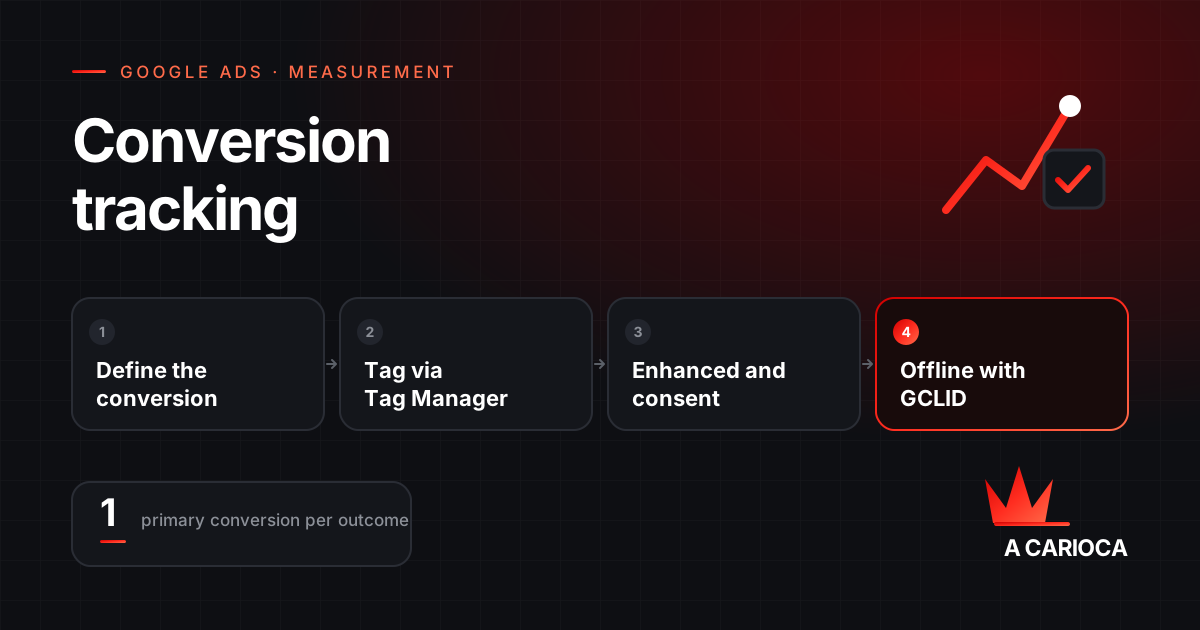
In short
- Define the conversion before the tag: purchase, submitted lead or CRM sale. Clicks and views are secondary.
- Google Ads tag via GTM as the primary conversion; trigger on the successful submission, not the button click.
- GA4 linked for analysis; imported conversions set as secondary when the tag already measures the same event.
- Enhanced conversions (hashed email and phone) and Consent Mode recover part of what the cookie loses.
- Offline conversions with the GCLID or lead data make bidding learn from customers, not forms.
Before the tag: define what a conversion is
Every tracking tool measures what you tell it to. The decision that precedes any setup is choosing an event that represents money or an unambiguous step towards it:
| Event | Works as primary conversion? | Note |
|---|---|---|
| Completed purchase, with value | Yes | The benchmark for e-commerce; the value must be the real one |
| Contact form submitted | Yes, with caveats | Only the successful submission counts; qualify afterwards with offline data |
| Qualified lead or sale in the CRM | Yes, the best one | Imported as an offline conversion |
| Click on WhatsApp button or phone number | Secondary | Many clicks never become conversations; use as a signal, not a goal |
| Contact page view | No | Not enough intent for automated bidding |
| Time on page, scroll depth | No | Engagement metrics, not outcomes |
In Google Ads a conversion is primary (used for bidding) or secondary (observed only). Only what represents an outcome should be primary. An account with five primary conversions, including clicks and views, is teaching the algorithm to chase whatever is easiest.
Ways to record conversions and which to choose
| Method | How it works | Advantage | Limit |
|---|---|---|---|
| Google Ads conversion tag | The tag fires on the event (purchase, submission) and records the conversion with the click | Immediate; ideal for automated bidding; supports enhanced conversions | Has to be installed on each event |
| GA4 import | GA4 key events become Google Ads conversions through the link | One setup serves both; unified reports | Hours of sync delay; GA4 attribution |
| Offline conversions | You send Google Ads the outcome that happened off-site (CRM sale) | Optimises for customers, not leads | Requires storing the GCLID or lead data and a sending process |
| Phone calls | Google forwarding numbers measure calls from ads and the site | Measures a channel the site cannot see | Only calls above a set duration |
| App conversions | SDK or Firebase | Necessary for apps | Separate setup |
Practical recommendation: the Google Ads tag as the primary conversion for site events, offline conversions for the commercial outcome, and GA4 linked for analysis, with its conversions set as secondary in Google Ads to avoid counting twice.
Setup through Google Tag Manager
The conversion tag needs three things: the conversion ID and label (created in Google Ads under Goals > Conversions), a trigger that fires only on the right event, and the Google tag (gtag) loaded on every page.
- In Google Ads, create the "Website" conversion action, choose the category (purchase, lead) and the count: one for leads (a form submitted twice is one lead) and every for purchases.
- In GTM, create the "Google Ads Conversion Tracking" tag with the ID and label.
- Create the trigger. For forms, use the successful submission event, not the button click: a click with failed validation is not a conversion. The most reliable approach is the site itself pushing an event to the dataLayer when the submission succeeds.
- Publish and test in GTM preview mode and Tag Assistant: the tag must fire once, at the right moment, with the right parameters.
Example of the event the site pushes to the dataLayer after a successful submission:
window.dataLayer = window.dataLayer || [];
window.dataLayer.push({
  event: 'lead_submitted',
  form: 'proposal',
  value: 0
});
In GTM the trigger is a "Custom Event" named lead_submitted. For purchases, the event carries transaction_id and value, and the tag uses those variables to record the value and avoid duplicates.
Enhanced conversions: recovering what the cookie loses
Third-party cookie blocking, Safari, extensions and declined consent stop part of your conversions reaching Google Ads. Enhanced conversions complement the tag: at the moment of conversion, the site also sends the email, phone or address the customer entered, hashed with SHA-256 in the browser. Google matches it against signed-in account data and attributes the conversion to the right click.
- For web: the tag captures the data on the conversion event, via a dataLayer variable or a CSS selector for the field.
- For leads: the email or phone is stored at the moment of the lead; when the deal closes, that data is sent to Google Ads, which matches it to the original click. It is an alternative to the GCLID.
- Consent: sending respects the consent status when Consent Mode is active.
Google has been unifying the delivery methods: from 2026, an account accepts user-provided data from the tag, the Data Manager and the API at the same time, without having to pick a single method.
Linking GA4 and importing events
- In Google Ads, under Tools > Linked accounts, link the GA4 property and enable metric import and ad personalisation (for audiences).
- In GA4, mark the event as a key event (formerly "conversions").
- In Google Ads, under Conversions > New action > Import > Google Analytics 4, pick the events. They now appear as conversion actions.
- Decide whether they are primary or secondary. If the same conversion already exists through the Google Ads tag, the imported one should be secondary.
- Wait for the sync, which usually takes 24 to 48 hours for the first data.
Two cautions: GA4 uses its own window and attribution model, so the numbers will not match the Google Ads tag; and GA4 events fired incorrectly (a purchase on every reload of the thank-you page, for instance) become duplicate conversions in Google Ads.
Offline conversions: teaching bidding with real sales
For businesses that sell through contact (lead, quote, meeting), the site conversion is only the start. What matters happens days or weeks later in the CRM. Offline conversions close that loop:
- Capture the
gclidfrom the URL when the visitor arrives and store it in a hidden form field alongside the lead. Enable auto-tagging in the Google Ads account. - When the lead becomes an opportunity or a sale, record the date, the value and the conversion name.
- Send it to Google Ads: manual spreadsheet upload, a scheduled Google Sheet, a CRM integration (HubSpot, Salesforce and others have connectors) or the API.
- Mark that conversion as primary and demote the form conversion to secondary once there is enough volume.
A minimal example of capturing the GCLID in JavaScript, to store it in a hidden field:
const p = new URLSearchParams(location.search);
const gclid = p.get('gclid');
if (gclid) {
  localStorage.setItem('gclid', gclid);
}
document.querySelectorAll('input[name="gclid"]').forEach(i => {
  i.value = localStorage.getItem('gclid') || '';
});
Without a GCLID, the alternative is enhanced conversions for leads, which use hashed email and phone. The two methods can coexist.
Consent Mode and privacy law
Consent Mode does not display a banner: it tells Google tags what the user decided (ad storage, analytics, user data, personalisation) and the tags adjust. When the user declines, Google sets no cookies but can receive unidentified signals and model conversions that would otherwise be lost.
- European Economic Area and UK: required to use ad measurement and personalisation.
- United States and Brazil: state privacy laws and the LGPD require a legal basis, clear purpose and transparency; they do not mandate Consent Mode itself. Most cookie banner platforms implement it, and enabling it is how you keep measurement for people who decline.
- Implementation: the default consent command must be sent before any Google tag loads, and the update must follow the banner choice. The wrong order invalidates the mechanism.
Testing and validation
- Tag Assistant and GTM preview: the tag fires once, on the right event, with value and transaction ID where applicable.
- Conversion diagnostics in Google Ads: the status column of the conversion action shows "recording conversions", "no recent conversions" or "inactive". A "no recent conversions" on an account with sales is the classic sign of a broken tag.
- Test conversion: make a real submission and check it appears within the following hours.
- Comparison with the source of truth: every week, compare total Google Ads conversions with the CRM or the store platform. A 10% to 20% gap is normal; 50% indicates a problem.
- Double counting: open the list of conversion actions and check how many are primary. Each outcome should have exactly one.
The most common mistakes
- Lead conversion set to count "every", so five submissions by the same person count as five leads.
- Tag firing on a thank-you page reached by direct link or reload.
- Google Ads tag and GA4 import of the same event, both primary.
- Fixed conversion value in a store, or value without the correct currency.
- GCLID not captured because the site uses a redirect that strips URL parameters.
- Conversion window too short for long sales cycles.
- A change to the thank-you page or the form that breaks the trigger without anyone noticing.
This is why every account we take on starts with measurement, before touching bids or budget. That work is described under paid traffic management and, for those running their own account, it is the first item of the Google Ads audit.